
I've been testing this out in my class for the past couple of weeks and have been rather impressed by the results.
There are essentially two modes for using Socrative: you can administer a pre-written quiz to your students with multiple-choice questions and free response questions, or you can administer a quick one-question activity on the fly.
I've been using the pre-built quiz feature for the past few days as a warm-up activity for my students when they get to my classroom. Students log on to their desktop computers (or sign on to Socrative on their smartphones) and complete a question related to the current skill they are working on.
I was asked to demonstrate Socrative to my colleagues at today's staff meeting, so I wrote a sample quiz for them. Here was one of the multiple-choice questions:

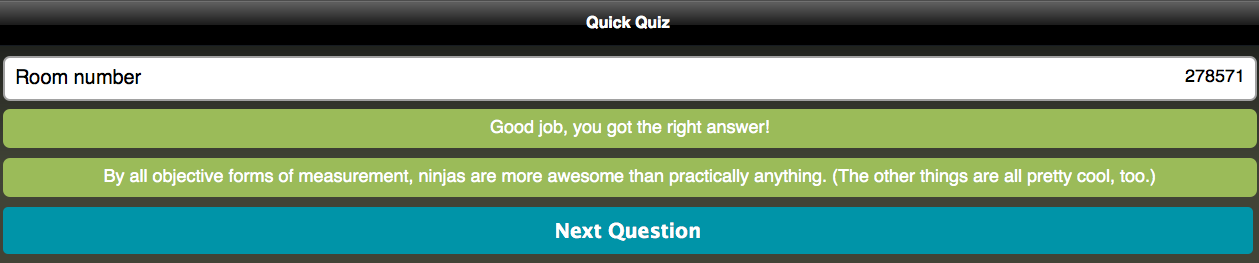
You can set the quiz to give instant feedback when an answer is selected. In this case, the answer was obviously "ninjas."
Now, while students are taking the quiz, the teacher can use their end of the software to monitor progress and results in real time:

Free-response questions can also be built into a Socrative quiz. Here's an example from the quiz from the staff meeting:

Now, obviously I use this in a far more practical manner in the classroom. (That's not to say that questions about ninjas and ice cream aren't important, BECAUSE THEY ARE.) For instance, here is the warm-up question I administered to my students this morning:

Now, here's the really cool part.
When I see that the students have finished, I end the activity. Then, I am presented with the option to e-mail a report to myself.

So this morning when my students finished their warm-up question, I had a report e-mailed to me. A few minutes later, this arrived in my inbox (student names have been removed):

Formative performance data that can inform and drive my classroom instruction to best meet the needs of my students? All organized and color-coded in an Excel spreadsheet? And this software is free? HOLY CRAP. YES PLEASE.
But wait! There's more!
If you don't have time to write a quiz in Socrative, that's no problem at all. Socrative also allows for a quick one-question option that allows you to assess students on the fly.
On the teacher control panel, you can choose to start a quick multiple choice, true/false, or short answer activity:

You can announce the question orally, or provide it in a written format on paper, dry erase board, online LMS, napkin, ankle tattoo, whatever. Say you wanted to do a true/false question. You select this option, and the students see this on their screen:

Notice that there's no question displayed. As I mentioned, it's up to you to present the question however you want. The point is that you can use Socrative on the fly to formatively assess your students as well. You can also monitor results in real time, though there won't be names attached (so this is also good for taking an anonymous poll). The downside, however, is that you can't e-mail a report to yourself in this mode.
So far, I'm seeing great advantages to using Socrative in my classroom. It's a very handy way for me to quickly collect and organize formative assessment data before, during, and after a lesson. It allows me to more effectively monitor my students' learning and to make appropriate instructional decisions. And, since Socrative can be downloaded as an app to mobile devices, it's also conducive to a BYOT classroom environment.
Probably the one thing I really wish Socrative could do is recognize math type. In the slope question above, I had to settle for typing "1/3" and "5/6" instead of putting them into a less-confusing vertical format. There's also no way to insert charts, graphs, tables, etc. There are ways to get around this, of course. (I can post the full question in another medium that supports math-type and have the students submit their responses via Socrative.) Still, it would be convenient to have these features present. (EDIT 8/22/2013: In the past year since this post was written, Socrative has added the ability to post images. This provides another way around the issue. Sweet!)
Overall, this is a great piece of software and is a very simple way of recording formative assessment data. Works great in a 1:1 technology environment, provides real-time results, and supports data-driven instructional practice. I give it four out of five ninjas.
RATING:
(Trust me, there are four ninjas next to "RATING:" here. You can't see them, because they're ninjas.)
